Pocket Cinematic
Your phone already shoots cinematic. Nobody showed you how.
Looks like it came off a cinema camera. No new gear, just the workflow, on the phone already in your pocket.
17 lessons, about 3 hours · iPhone or Android · free apps · one payment, lifetime access · 7-day refund
Start shooting like this →Watch in your language. Taught in English, subtitled in 16 languages: Malay, Chinese, Hindi, Tamil, Thai, Vietnamese, Arabic, Spanish and more.
Fine is why nobody stops scrolling.
Your videos look fine. The gap between fine and cinematic is not a camera upgrade: it is LOG, exposure you control on purpose, a grade you understand, audio that does not fight you, and titles that look designed. That is exactly what this course installs, the same workflow behind every ProductNation upload.
Here is how you know it worked: nobody asks what course you took. They ask what camera you used. It was your phone.

If one of these sounds like you, you are in the right place
You do not need a camera, a studio, or a film background. You need a phone and the will to make something that looks pro. Pocket Cinematic was built for:
Just starting out
You have never edited a video in your life. Module 0 begins at installing the free apps, then builds one clear step at a time. Nobody gets left behind.
Content creators
You already post, but the footage never matches the vision in your head. Learn the exposure, grade and finish that make it look intentional, not lucky.
Business owners & SMEs
You want premium video for your brand without hiring a crew. Shoot it in-house, on the phone in your pocket, and own a look that sells.
Social-first creators
You live on TikTok, Reels and Shorts. Get the cinematic look that stops the scroll and makes people ask what camera you used. It was your phone.
Freelancers & side hustles
Add cinematic video to what you sell clients, using gear you already own. Higher-value work, no expensive camera to buy first.
Anyone with a phone
No camera, no studio, no team. If you have a phone and a laptop, you already have everything this course asks for. That is the whole point.
What changes after each module
Your editing bay, fully loaded, for free
DaVinci Resolve installed, BlackMagic Camera configured, LUTs imported, recording straight to an external disk. Four short setup episodes and your phone is a film rig.
You stop praying and start exposing
LOG vs regular video side by side, manual exposure with histogram and zebras, white balance you set on purpose, camera movement that looks intentional, then one full ProductNation-style shoot from scratch.
The Kodak Dusk look, from one click to from-scratch
Start grading in DaVinci, go deep on curves, wheels and scopes, then the advanced track: rebuild Kodak Dusk yourself so you understand every decision inside the LUT you have been using.
Sound that stops betraying your visuals
Choosing and placing the right mic, surviving bad acoustics, then the post chain: compression, EQ, music under voice, loudness standards. Plus a bonus guide to Hollyland wireless audio.
Titles and thumbnails that look designed, not typed
The design and typography principles behind the ProductNation look, applied to video titles, lower thirds and thumbnails you can actually reproduce.
Five people, in their own words
We sat down with buyers and asked what actually changed. These are their answers, unedited.
I bought Pocket Cinematic because paying a videographer every time I needed a product video was becoming too expensive. I had never used DaVinci Resolve before, so I was worried the lessons would be too technical. The course walked me through the setup and showed me which settings actually matter. My videos already look more polished, and I can now create content for my business without depending on someone else every time.
I had watched dozens of random YouTube tutorials on shooting LOG and color grading, but I still didn’t have a repeatable workflow. Pocket Cinematic helped me connect everything, from setting exposure correctly on my phone to grading the footage in DaVinci Resolve. The biggest value for me was understanding why certain clips looked noisy or overly processed. I’m now getting much more consistent results when filming.
I purchased the course because several of my clients wanted better-looking Reels, but I only had my phone and a basic editing setup. I liked that the course covers more than color grading. The lessons on audio, text and finishing touches helped my videos feel more complete. I used the workflow for a client project and was able to deliver something that looked noticeably more professional without buying a camera.
I always assumed my product videos looked ordinary because I needed a more expensive phone or camera. After taking the course, I realised that my biggest problems were automatic exposure, inconsistent white balance and the way I edited the footage. The course gave me a clear process to follow. There is still some practice involved, but now I know exactly what to fix instead of randomly changing settings.
I was mainly interested in learning how creators get that cinematic look using a phone without making the footage look fake or over-edited. The LOG recording and advanced grading lessons were the most useful parts for me. I also appreciated having the presets as a starting point while still learning how to adjust the look for different lighting. It saved me a lot of trial and error and gave me a workflow I can reuse.
Drag, scroll or swipe to read the rest.
Verified buyer reviews
The full curriculum
Finish, and earn a verified certificate
Finish every lesson and we issue you a verified Certificate of Completion the same day, ready to share on LinkedIn. Every certificate has its own verification link.
Same phone. Same scene. Different skill.
Real frames, straight off a phone, then graded with Kodak Dusk: the exact look Module 2 teaches you to build from scratch. Drag the handle yourself.


The Creator Pack comes with it
Everything we configure in the course, pre-built so you skip the fiddly parts:
The workflow behind 470K+ followers
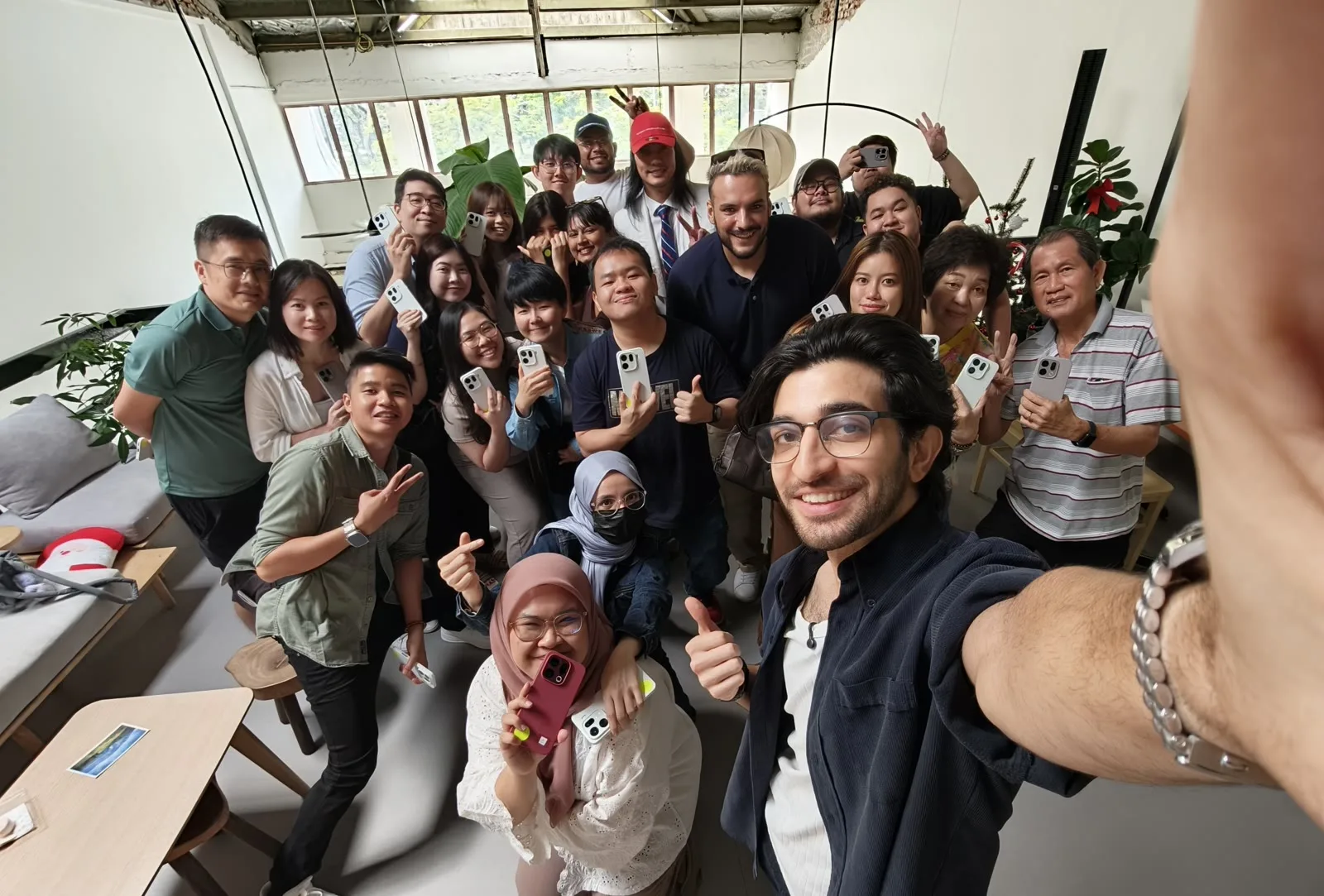
This is not theory from a stock-footage guru. It is the literal production system behind ProductNation's 189K YouTube subscribers, 230K on TikTok and 49.5K on Instagram, taught by the team that runs it every week. We are showing you our own kitchen.
What you get
Wherever you are in the world, this is yours, for good:
- RM 349, the whole thing, paid once, yours for life.
- First access to everything we launch next, before anyone else.
- Lifetime access and every future update, free.
Everything above is yours wherever you are in the world, from day one.
Before you buy
Can't I just learn all this free on your YouTube?
Some of it, yes, scattered across years of videos. What you cannot get free is the order. This is the exact workflow behind our 470K followers, laid out step by step: the precise camera settings, the Kodak Dusk grade built from scratch, audio and design, in the sequence that actually works. No hunting, no guessing which video is current, no missing pieces. A weekend here saves you months of piecing it together, and you keep the LUT, presets and lifetime updates.
With AI everywhere, why learn this at all?
Because AI is a tool, and tools reward the people who know the craft. AI can generate a clip, but it cannot tell you when the exposure is off, the grade is flat, the cut has no rhythm, or the audio is muddy. That judgment is the whole skill, and it is exactly what lets you direct AI instead of accepting its first guess: you brief it clearly because you know what you are asking for, and you take its output into DaVinci or Premiere Pro and finish it like a pro. The creators pulling ahead with AI are the ones who know the fundamentals cold. This course is what makes you AI-ready: good enough to lead the tools, not be replaced by them.
Do I need an iPhone?
The course films primarily on iPhone with the free BlackMagic Camera app, and the same concepts apply on Android (BlackMagic Camera is on Android too). Exposure, white balance, grading, audio and design are universal.
Will my phone be good enough?
Yes. If your phone shoots Apple LOG you can use it, and if it does not you film in Rec.709 instead and the course works exactly the same. LOG simply gives you more room to push colour in the grade, so the difference shows up in how far you can stretch a shot, not in what you can make.
Everything else is identical. The free Blackmagic Camera app runs on your phone and you still set exposure, white balance, focus and audio exactly as taught. The Kodak Dusk pack inside the course ships with a Rec.709 version built for non-LOG footage, so you get the same look.
Want proof first? We shot a whole video on a phone with no LOG.

Do I need paid software?
No. Everything runs on the free version of DaVinci Resolve and the free BlackMagic Camera app. Module 0 walks you through installing both.
I am a complete beginner. Will I keep up?
Yes. Module 0 starts at install-the-software level, and every episode builds one step at a time. The advanced colour track is clearly marked so you can take it when ready.
How do I watch after buying?
Instantly, in your browser on phone or desktop at this site. Log in with your email (no password needed), and your progress is saved as you go. Lifetime access, including future updates.
What language is the course in? Are there subtitles?
The course is taught in English, with subtitles in 16 languages: English, Malay, Indonesian, Chinese, Hindi, Tamil, Bengali, Urdu, Thai, Vietnamese, Filipino, Arabic, Spanish, Portuguese, French, and Turkish. Subtitles are on in English by default; pick your language from the CC menu in the player.
What if it is not for me?
You have a 7-day guarantee: if you have watched less than a third of the course and it is not for you, open the Support chat (bottom right) within 7 days of purchase and we refund you in full. Watched more than a third? Then our guaranteed-to-learn promise applies instead: keep going and a real human will work with you until you improve.
Get the course
Worth RM 1,499 · RM 349